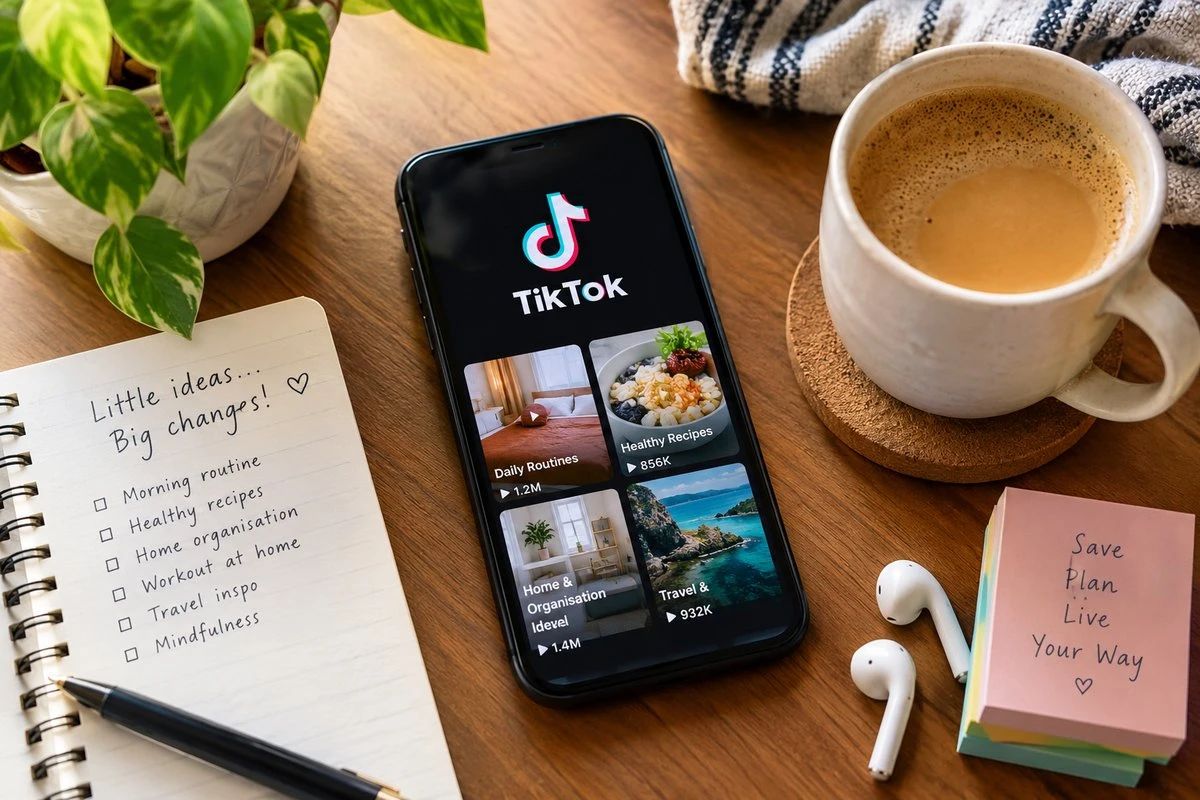
TikTok shows thousands of ways to live: 5 a.m. routines, minimalist apartments, slow-living weekends, budget meal prep. No single version is the right one. What makes a lifestyle yours is choosing the pieces that fit. A TikTok Downloader helps you keep those pieces. SSSTik is a free browser tool that saves a public video or story from its link, so you can build a personal library of ideas without installing an app or creating an account.
Choose Your Ideas, Don’t Copy Someone Else’s
A liked video gets buried under a feed that keeps pushing the next trend. A saved video stays where you put it, ready when you have time to try the idea at your own pace. Posts can also disappear when creators delete them or switch to private, so saving the ones that matter means they’re still there next month.
SSSTik works as a TikTok video downloader and a stories downloader. It fetches the file TikTok hosts, as MP4 when that format is available and in HD when TikTok has an HD version, and it plays offline on your phone, tablet or computer.
How to Download a TikTok Video in Three Steps
1. Tap Share on the video or story in TikTok and choose Copy link.
2. Open SSSTik in your browser and paste the link into the input field.
3. Press the download button and choose an available option. The file goes to your downloads folder, the Files app or your gallery, depending on your device.
Lifestyle Videos Worth Saving
*Daily routines: morning and evening rhythms, including realistic ones for night owls and shift workers.
*Home and organization: decluttering methods, small-space storage and weekly reset checklists.
*Food: batch cooking, quick weeknight dinners and budget-friendly grocery hauls.
*Movement: stretching sessions, home workouts and walking challenges you can follow without a gym.
*Mindfulness: journaling prompts, breathing exercises and screen-time habits.
* Travel and weekends: city guides, packing lists and low-cost local outings.
Test One Idea at a Time
Saving dozens of videos is easy. Changing your life with all of them at once isn’t. A slower approach works better:
1. Pick one idea: choose a single routine, recipe or habit from your saved folder.
2. Try it for two weeks: that’s long enough to see whether it fits your schedule, budget and energy.
3. Adjust it: change the parts that don’t suit you. A 20-step routine can become a 3-step one.
4. Sort the result: move the video to “kept” or “not for me”, and delete clips you’ll never use.
Over time, your “kept” folder becomes a record of how you actually like to live. For fitness or nutrition ideas, check with a qualified professional first if you have a health condition.
Saving Your Own Lifestyle Content
If you post your own routines, recipes or day-in-the-life videos, download them after publishing. You’ll have a backup if you lose your phone or account, and enough clips for a year-in-review montage. A version of your own video without the watermark, when TikTok provides one, is easier to reuse in projects like that.
What a Browser-Based TikTok Downloader Offers
*No software installation and no registration.
*Free to use with unlimited downloads.
*Processing usually takes a few seconds.
*The same steps in desktop, mobile and tablet browsers, though some browsers behave differently.
About the TikTok watermark:
SSSTik doesn’t edit or remove it. When TikTok provides a version without the watermark, SSSTik links to that file directly. It only works with public posts, so it can’t save private videos or recover deleted ones.
(This is a sponsored post)


